
IPTV 24 Hour Free Trial: Test 55,000+ Live Channels on Your Own Screen
Why take a stranger's word for it when you can watch for yourself? Request your IPTV 24 hour free trial from Polinavo and stream live sports, news, kids shows, movies and series on your own TV, phone or streaming box before you decide on a plan.
This IPTV free 24 hour trial gives you a real look at picture quality, channel switching and the TV guide. Not sure which app to use? Our IPTV setup page shows you how to get started on your device.
- Free to request
- HD, Full HD & 4K
- 24/7 support
- Works on most devices
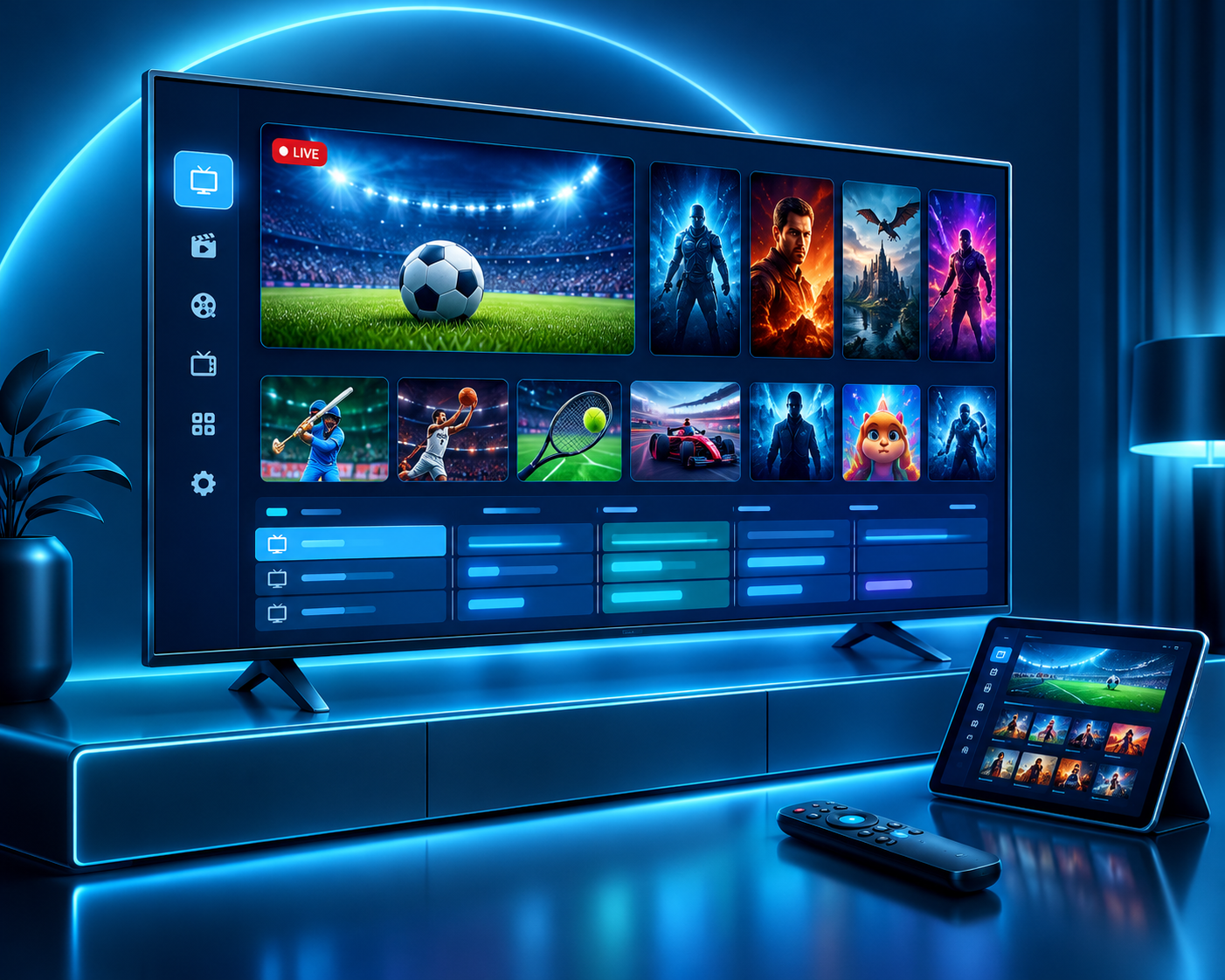
IPTV 24 Hour Free Trial at a Glance
Before you request your test, here is exactly what you get to try. Every number below comes from the same service our paying viewers use, so what you see in the trial is what you can expect later.
24 Hours of Free Access
A full day to test the service at the times you actually watch, including busy evening hours.
55,000+ Live Channels
Sports, news, music, kids and entertainment channels from countries around the world.
200,000+ Movies & Series
A huge on-demand library, so you can start a film or binge a series whenever you like.
HD, Full HD & 4K with 24/7 Support
Check picture quality on your own screen, with a support team ready to help whenever you get stuck.
Have a question before you start? Read more about Polinavo or contact our team and we will point you in the right direction.
How to Get Your IPTV 24 Hour Free Trial in 3 Simple Steps
There is no long sign-up process to work through. Send us a message, receive your trial details, and start watching on the device you already own.
Message Us on WhatsApp
Tap the button below and send us a quick message asking for your free trial. Tell us which device you will use and which countries' channels you want to watch.
Receive Your Trial Details
Our team prepares your test and sends the login details straight to your chat. Keep the message handy, because you will need it in the next step.
Add It to Your App and Watch
Enter the details in your IPTV player and start streaming live channels, movies and series.
Need help with the app? Our IPTV setup page explains how to get started on each device.
What to Include in Your First Message
- Your deviceSmart TV, Firestick, Android box, phone, tablet or computer.
- Your countriesThe countries whose channels you most want to test.
- Your appThe IPTV player you already use, or ask us which one suits your device.
Tip: install your IPTV player before you request the trial, so you can start testing the moment your details arrive.
Submit Your IPTV Free Trial Request
Fill in your details below and the form opens WhatsApp with your request ready to send. Our team will reply with your trial login details.
What's Included in Your IPTV 24 Hour Free Trial
A trial only helps if it shows you the real service. During your IPTV 24 hour trial, you can explore the same kinds of content our subscribers watch every day, from live sports to the latest movies, and judge the quality on your own screen.
55,000+ Live TV Channels
Browse live channels from around the world, covering news, entertainment, lifestyle and more, so there is always something to watch.
200,000+ Movies & TV Series
Pick a film or start a new series from a huge on-demand library. Pause, skip ahead and see how smoothly it responds.
Sports, PPV & Live Events
Test all sports channels, pay-per-view events and live matches. Fast action is the best way to judge any stream.
HD, Full HD & 4K Quality
Check the picture on your biggest screen and see which quality level looks best on your internet connection.
Music, Kids & Entertainment
Music channels, children's programming and entertainment from many countries, ready for the whole family.
Electronic Program Guide (EPG)
See what is on now and what is coming next, so finding your favourite shows takes seconds, not minutes.
Fast, Stable Streaming
Switch channels, open movies and scroll through the guide to see how quickly everything responds on your setup.
Secure, Private Streaming
Watch with privacy protection in place, so you can test the service with confidence.
24/7 Customer Support
Stuck on an app or a setting? Our support team is available whenever you need help getting started.
Ready to See It for Yourself?
Request your free test in a minute, then decide if it suits your home. Want to know more about us first? Visit our home page or read about Polinavo.
Request My Free TrialDevices You Can Use for Your IPTV Free Trial
You do not need special equipment. If your device can run a compatible IPTV player app and connect to the internet, you can test the service on it. Need step-by-step help? Visit our IPTV setup page.
Samsung & LG Smart TVs
Watch on the big screen by installing a compatible IPTV player from your TV's app store.
Amazon Firestick & Fire TV
A simple, affordable way to turn any TV with an HDMI port into an IPTV screen.
Android TV & Google TV
Works with Android-based TVs and boxes that let you install IPTV player apps.
Android Phones & Tablets
Take your test anywhere and check how streaming feels on a smaller screen.
iPhone, iPad & Apple TV
Use an IPTV player from the App Store to stream on your Apple devices.
MAG Box
Using a MAG set-top box? Mention it in your request so we can prepare the right setup for it.
Windows & Mac Computers
Test on a laptop or desktop with a media player or IPTV app, which is handy for a quick first look.
Other Devices
Not sure if yours will work? Ask us before you start and we will tell you the best way to try it.
Unsure which device suits you best? Contact our team or send your request through the trial form and tell us what you own.
How to Test Your IPTV 24 Hour Free Trial Properly
One day goes quickly, so test with a plan. Work through this checklist and tick each point as you go. By the end you will know whether the service suits your home, your screen and your internet connection.
-
Watch During Evening Peak Hours
Evenings are when most people stream at once. Keep a live channel running for half an hour at that time to see how stable it stays.
-
Try a Live Sports Match
Fast movement is the toughest thing for a stream to handle. If a match plays cleanly, slower content will too.
-
Time Your Channel Switching
Flick through ten different channels and notice how quickly each one opens. Smooth, quick changes are a good sign.
-
Check Your Speed on the Device Itself
Test your connection on the TV or streaming box, not only on your phone. The rough guide below shows what each quality level usually needs.
-
Improve Your Connection if You See Buffering
Before blaming the service, try a network cable or the 5 GHz Wi-Fi band and move closer to the router. Many buffering problems start at home.
-
Open the TV Guide (EPG)
Check that the listings match what is actually playing on the channels you care about most.
-
Play a Movie or Series Episode
Pause, skip forward and look at the audio and subtitle options. Check that the picture quality stays steady.
-
Ask Support One Question
Send our team a quick question through our contact page or WhatsApp. How fast and clearly we answer shows what help will feel like later.
These are general guidelines. Real results depend on your router, Wi-Fi signal and how many devices share your connection.